
PRODUCT OVERVIEW
- 2.4GHz/5GHz dual-band operation
- With IEEE 802.11b/g/n/ac standards
- Up to 1200Mbps rates and supporting dense connectivity for up to 100 users across 200m
- Supports PoE 48V for power
- 2*10/100/1000Mbps auto-negotiating WAN ports
- With IP65 UV-resistant housing
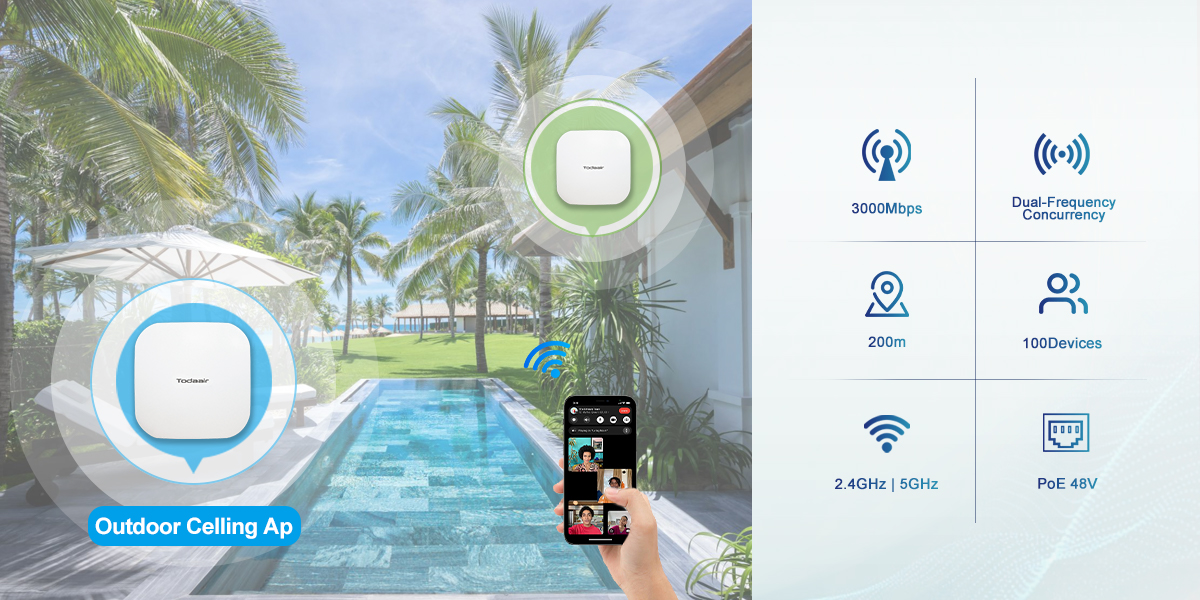
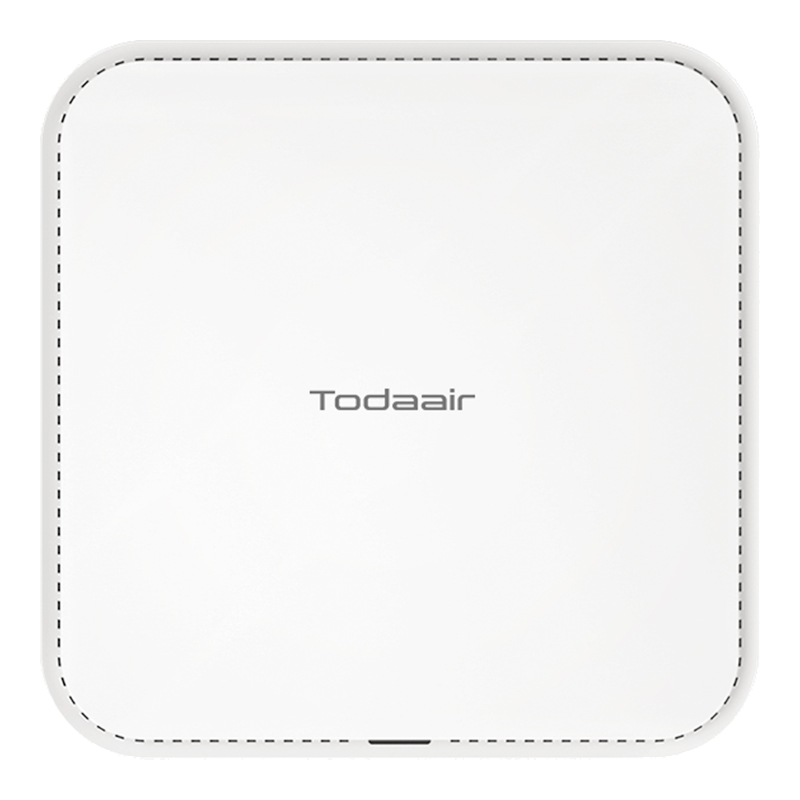
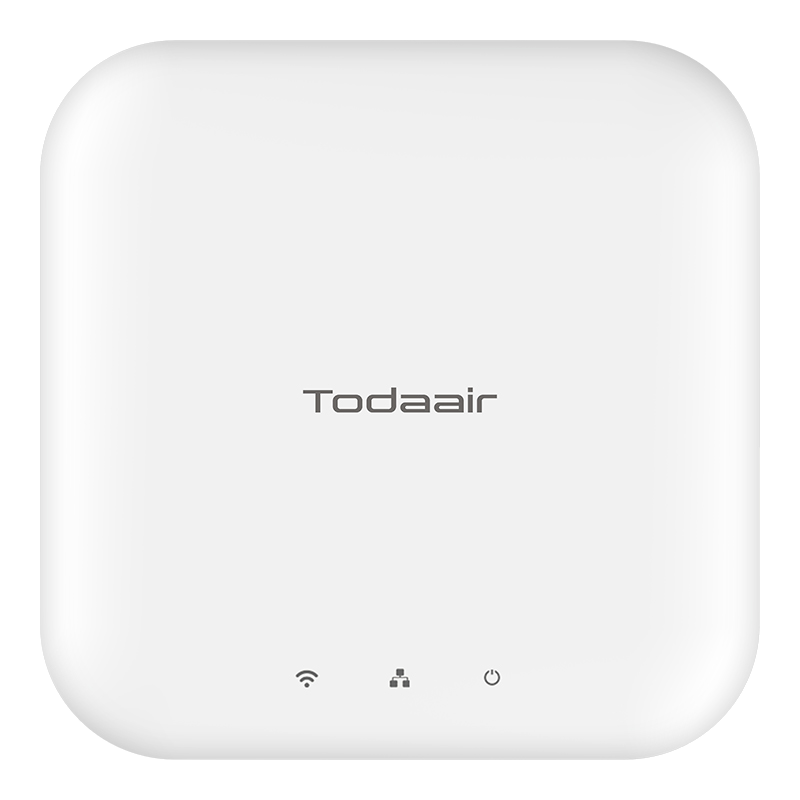
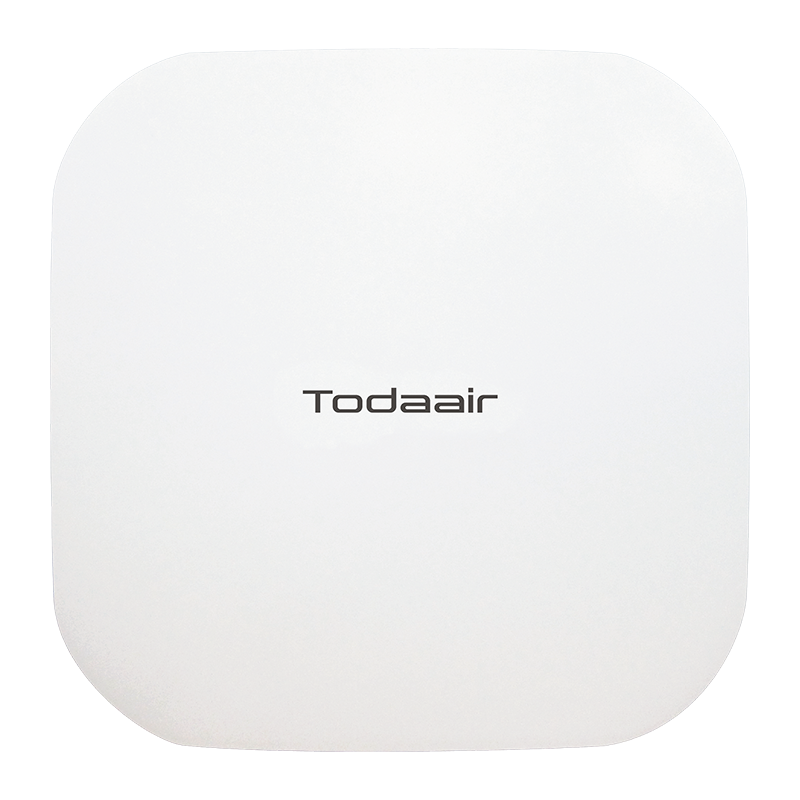
l Compliant with IEEE 802.11b/g/n/ac standards, it supports MU-MIMO and OFDMA technologies. It has achieved groundbreaking advancements in four key technical areas: transmission rate, network capacity, coverage range, and interference resistance, delivering an unparalleled wireless connectivity experience to end users.
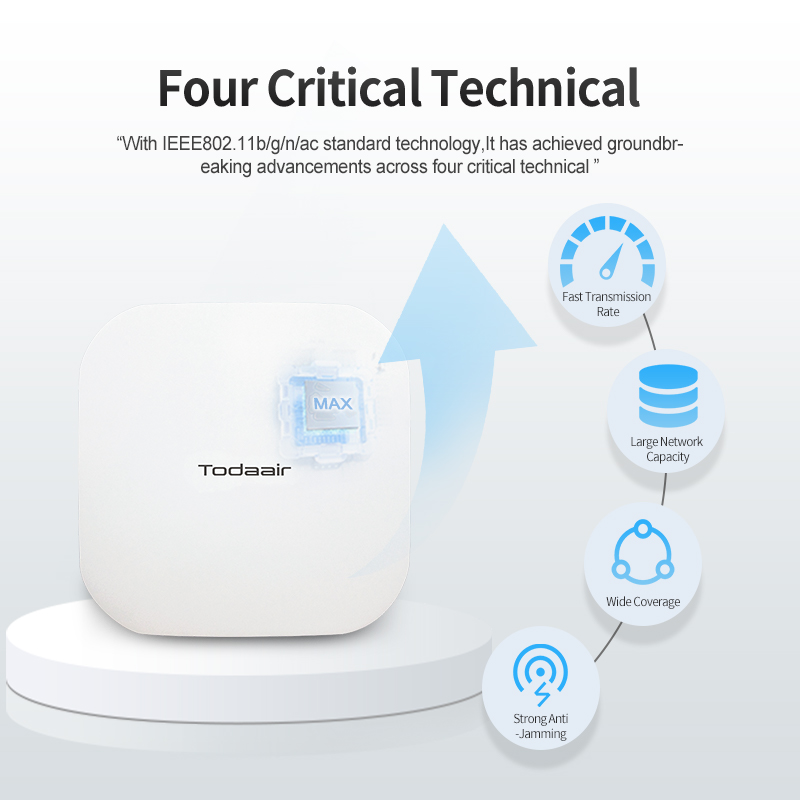
l Featuring dual-band data rates up to 1200 Mbps with 26 dBm transmit power. This device integrates four high-gain directional antennas, supporting dense connectivity for up to 100 users with coverage up to 200 meters. This design effectively addresses the high-bandwidth, high-capacity networking demands of enterprise, educational, hospitality, and residential environments.
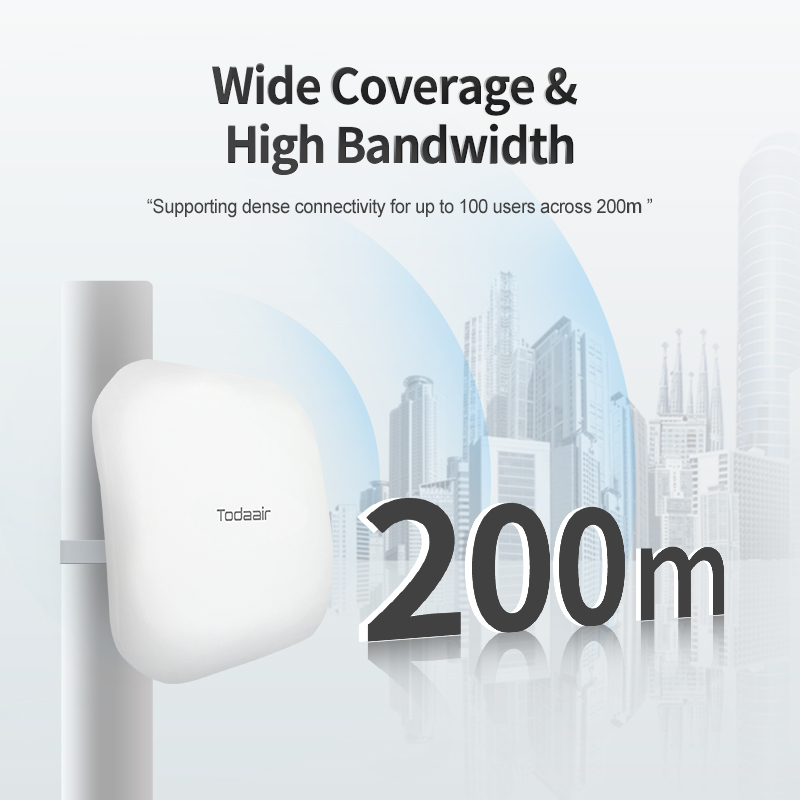
l Engineered with concurrent 2.4GHz/5GHz dual-band operation, it combines interference resistance, superior wall penetration, and high throughput. The 2.4GHz band delivers peak rates of 300Mbps, while the 5GHz band achieves 867Mbps.
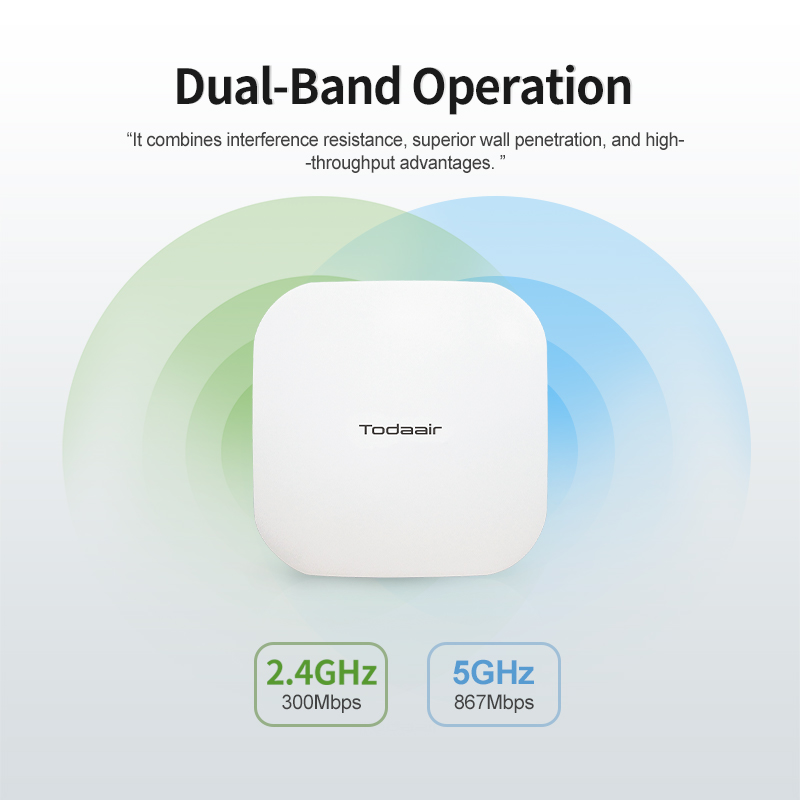
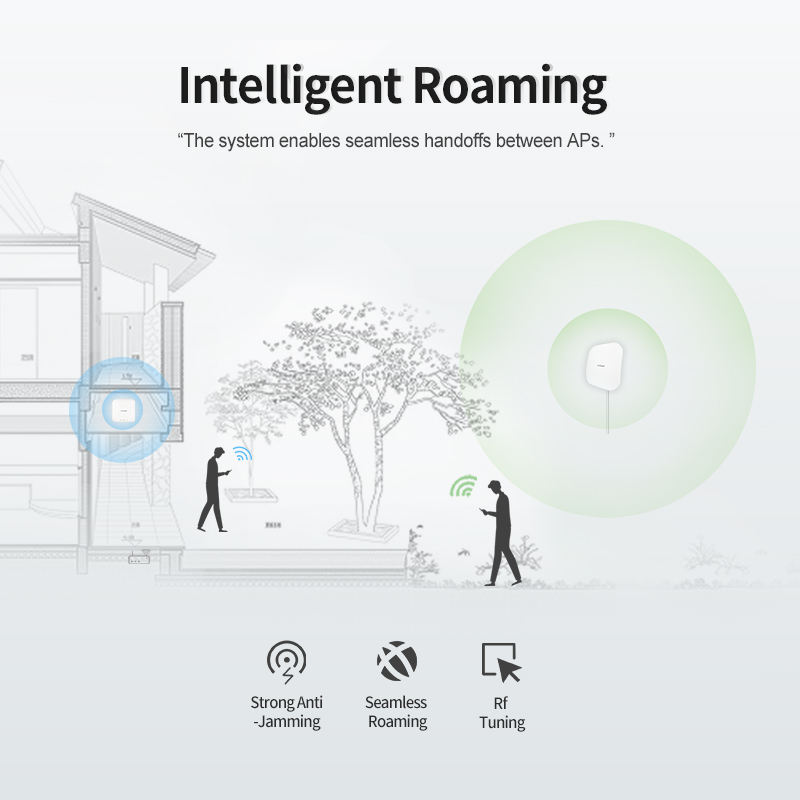
l The system supports 802.11k/v/r intelligent roaming for seamless handoffs between APs. RF optimization algorithms within the multi-AP coordination mechanism reduce inter-AP interference and ensure continuous connectivity via automatic AP reassignment — with no manual input required.
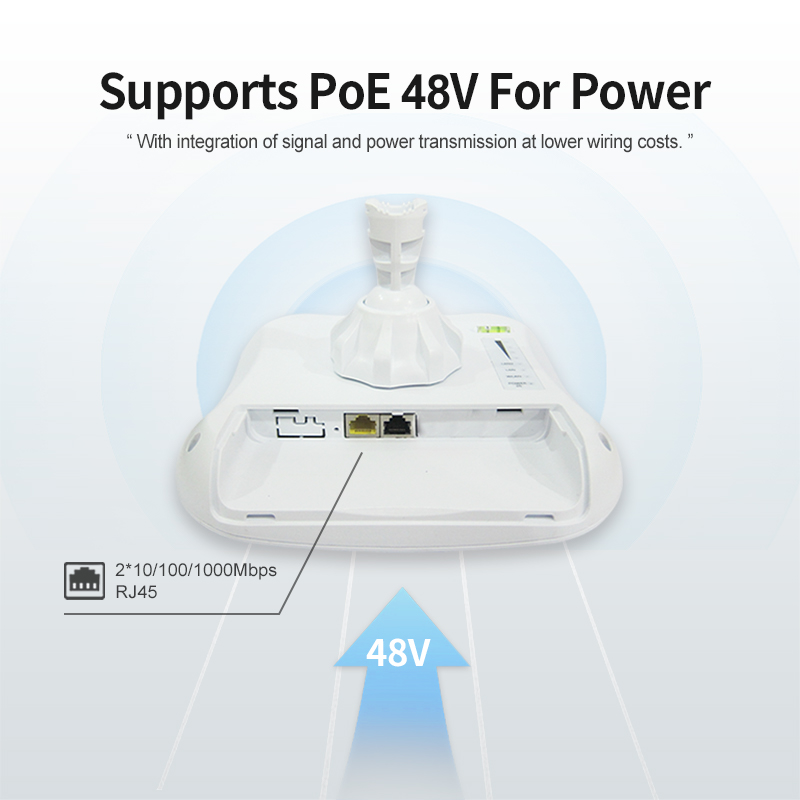
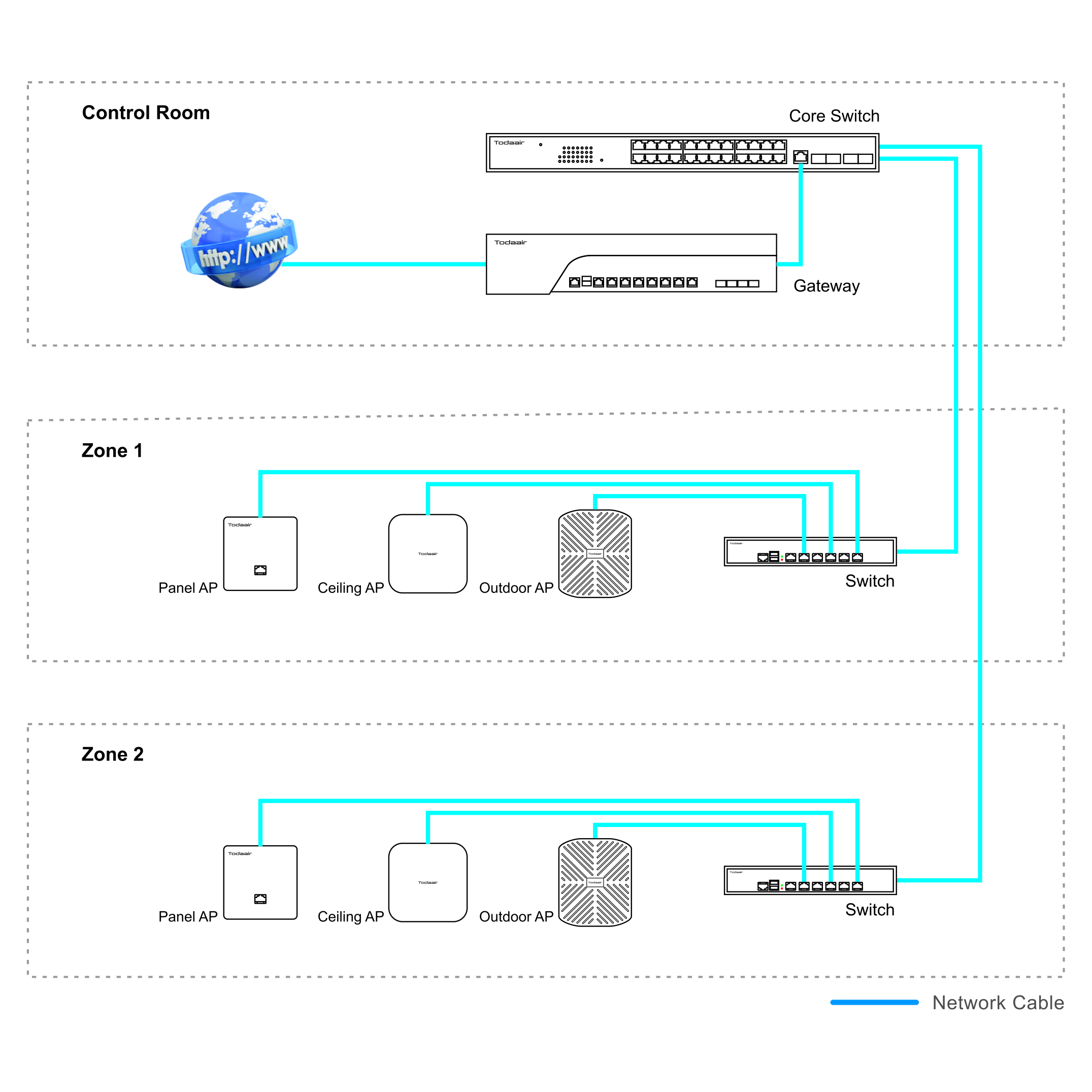
l Equipped with 2*10/100/1000Mbps auto-negotiating WAN ports for high-throughput data transmission, the device supports 48V PoE input, enabling power and data transmission over a single cable. This dual-functionality reduces cabling complexity and enhances deployment flexibility across diverse application scenarios.
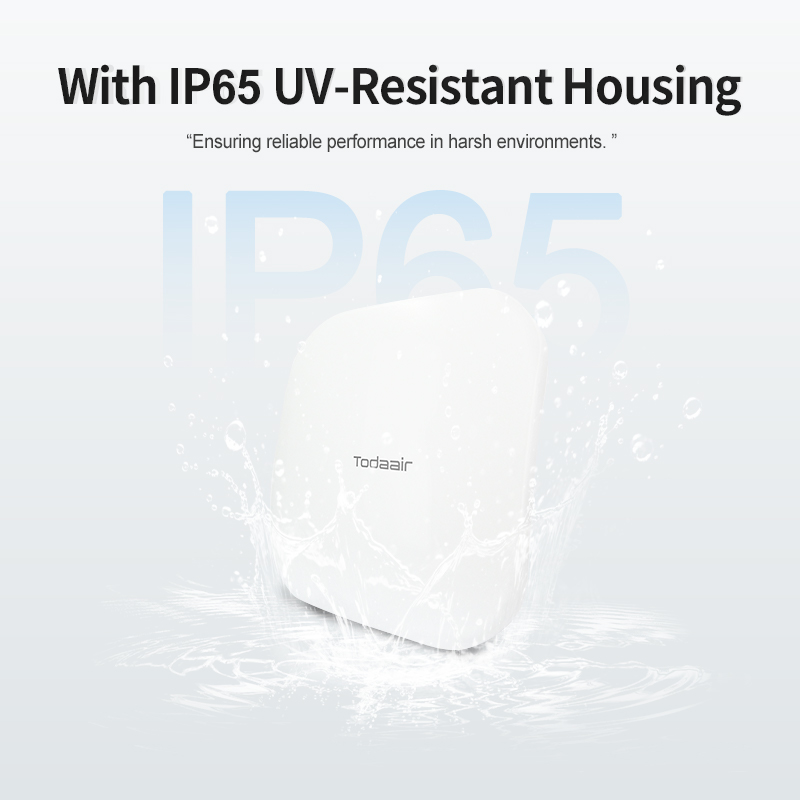
l Featuring an IP65-rated, UV-resistant housing, the device operates reliably in temperatures ranging from -20℉ to 149℉. It is designed to withstand extreme weather conditions—including rain, snow, heat, and lightning—ensuring stable performance in harsh outdoor environments.
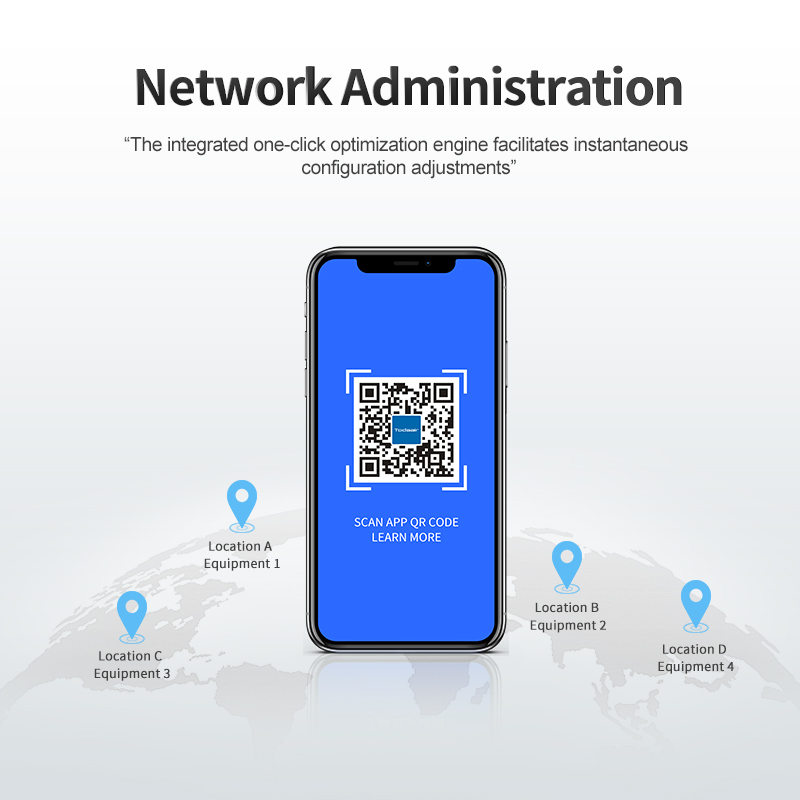
l The platform, compatible with the Todaair APP, enables centralized network administration with real-time monitoring of topology, device status, and performance analysis. Its built-in one-click optimization engine ensures fast configuration adjustments, supporting agile and mission-critical network operations.
| Pole-Mount | |
 |
 |
|
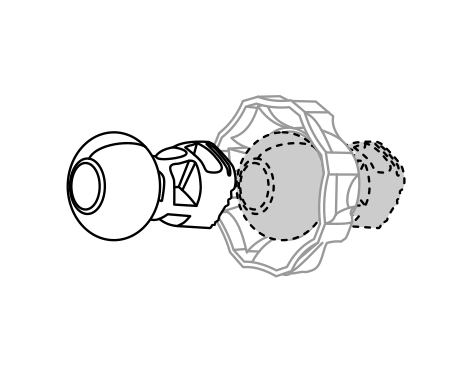
1 Align the universal joint bracket with the lock ring, ensuring the lock ring threads face the ball joint. Insert and rotate clockwise to engage. |
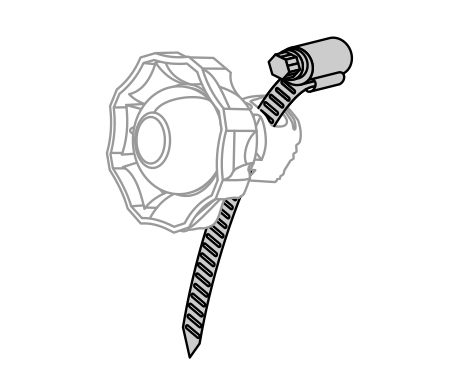
2 Open the metal strap, thread it through the bracket base, and secure with the provided fastener. |
 |
 |
|
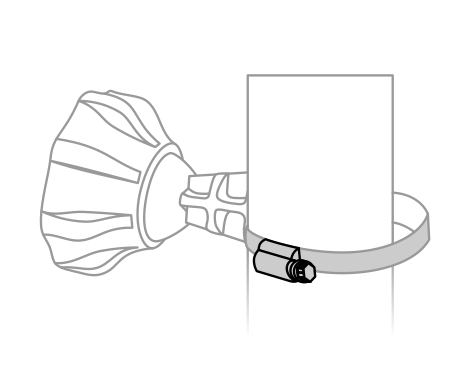
3 Wrap the metal strap around the pole. Use a screwdriver to tighten the screw clockwise until the strap is firmly secured. |
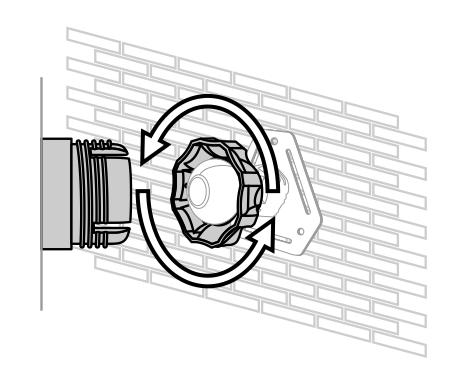
4 Attach the device to the universal joint bracket. Hand-tighten the lock ring to secure while maintaining slight looseness for pivot adjustment. |
| Wall-Mount | |
|
 |
|
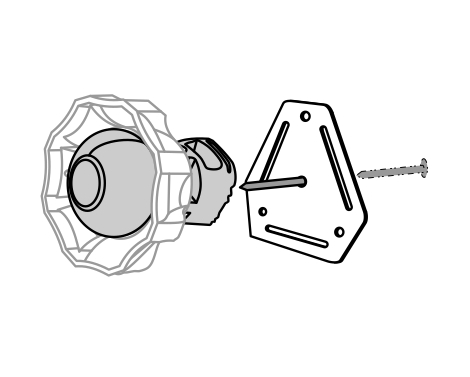
1 Align the universal joint bracket with the lock ring, ensuring the lock ring threads face the ball joint. Insert and rotate clockwise to engage. |
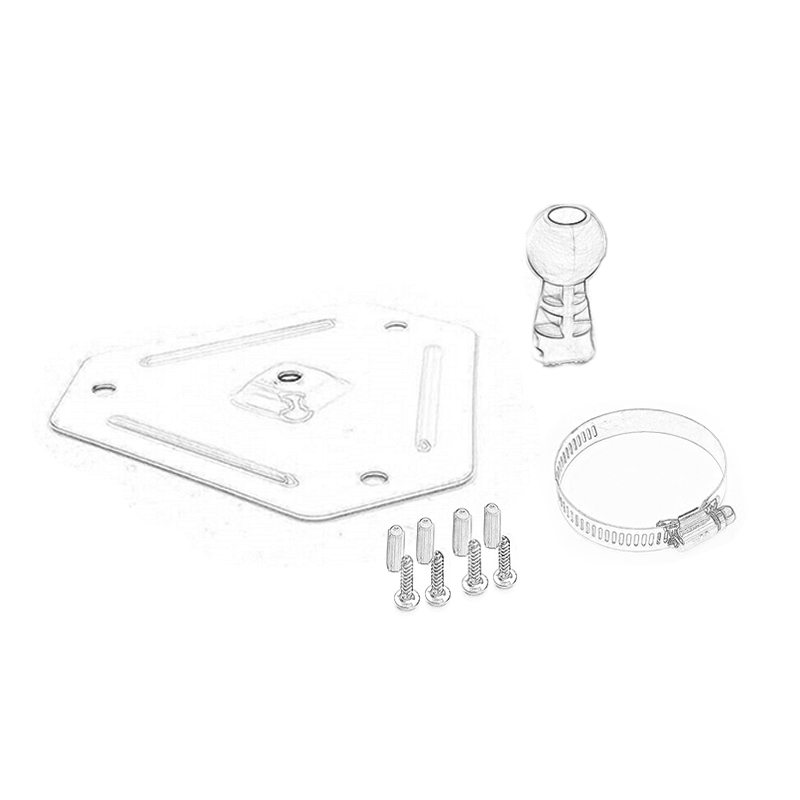
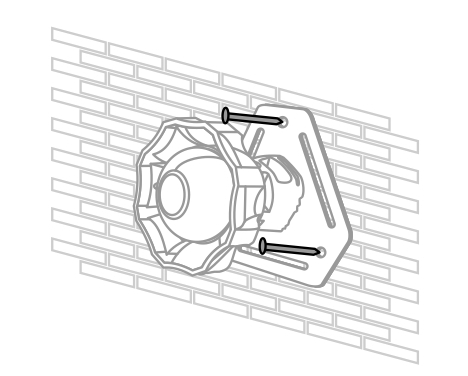
2 Mount the wall plate to the surface using provided screws. Then fasten the universal joint bracket to the wall plate with additional screws. |
 |
|
|
3 Securely fasten the wall mount plate to a load-bearing wall using appropriate anchors. |
4 Attach the device to the universal joint bracket. Hand-tighten the lock ring to secure while maintaining slight looseness for pivot adjustment. |